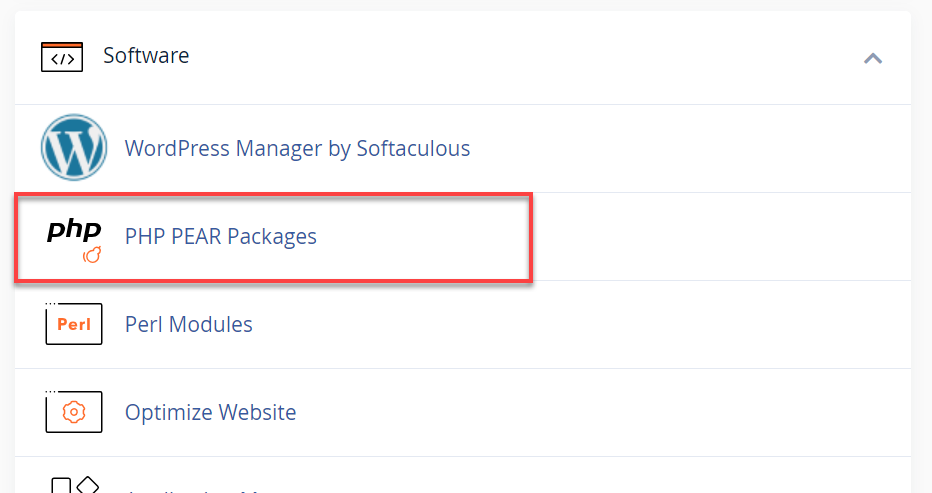
- Under Software, click the PHP PEAR Packages icon.
Scroll down to the bottom of the page and click on the Show System Installed Modules button.
A list of system-installed modules will be shown. To install additional PHP Pear Packages, proceed with the steps below.
- Use the search box or click the Show Available Modules button.
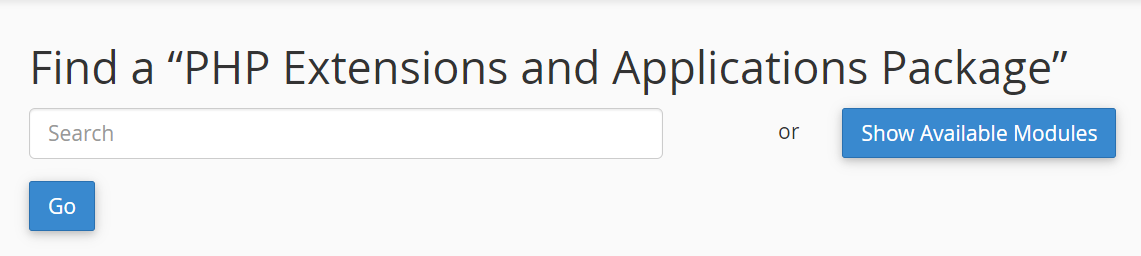
- You can use the Search field to find the extension you need to install to check and see if it is available. Click the Go button.
- If you click on the Show Available Modules button, it will show all the PHP extensions and applications that you can install.
- To install, you can either:
- Click on the Install icon.
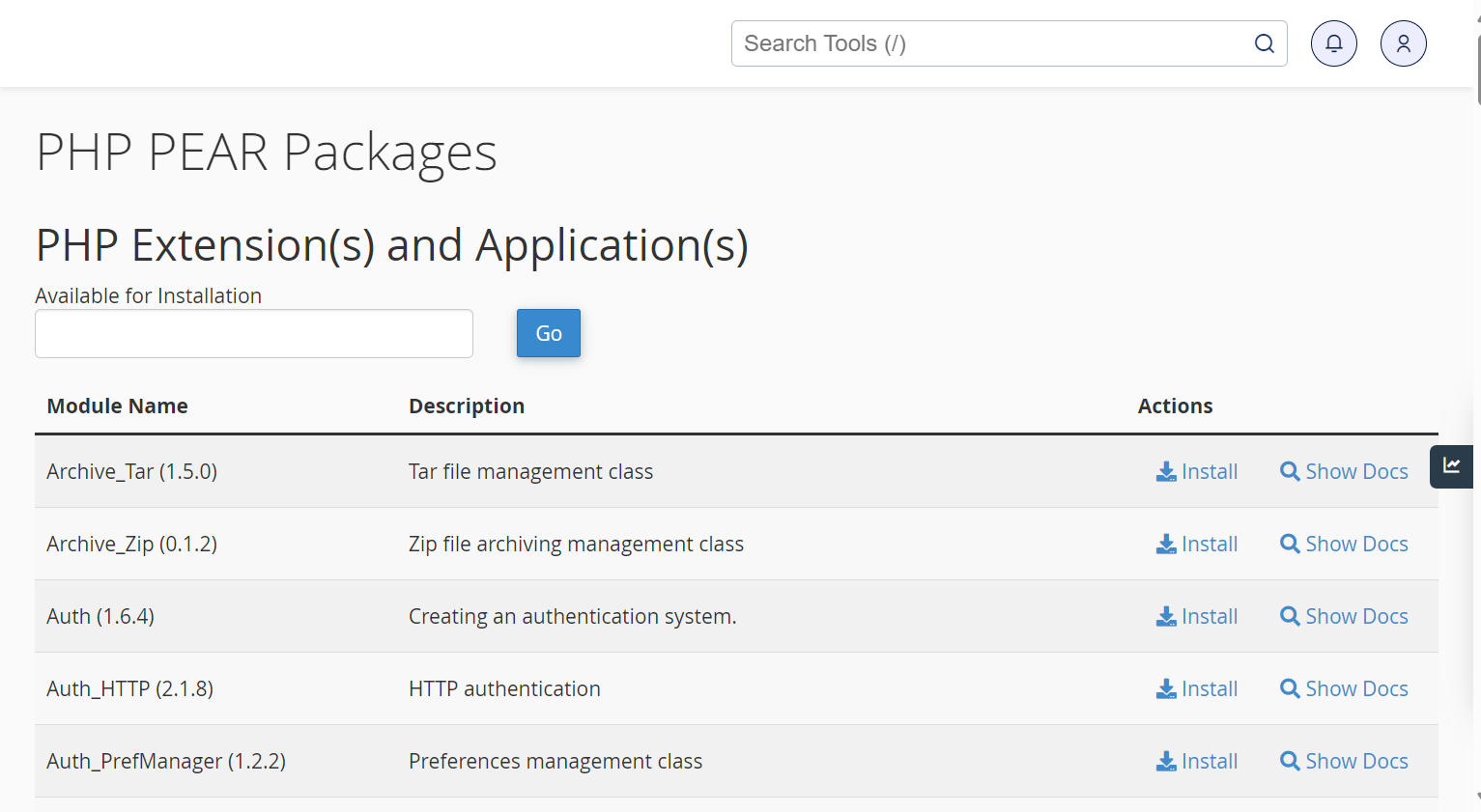
- Enter the PHP Extension or Application to install in the empty field, then click the Install Now button.

