How to Configure custom Name Servers in WHM
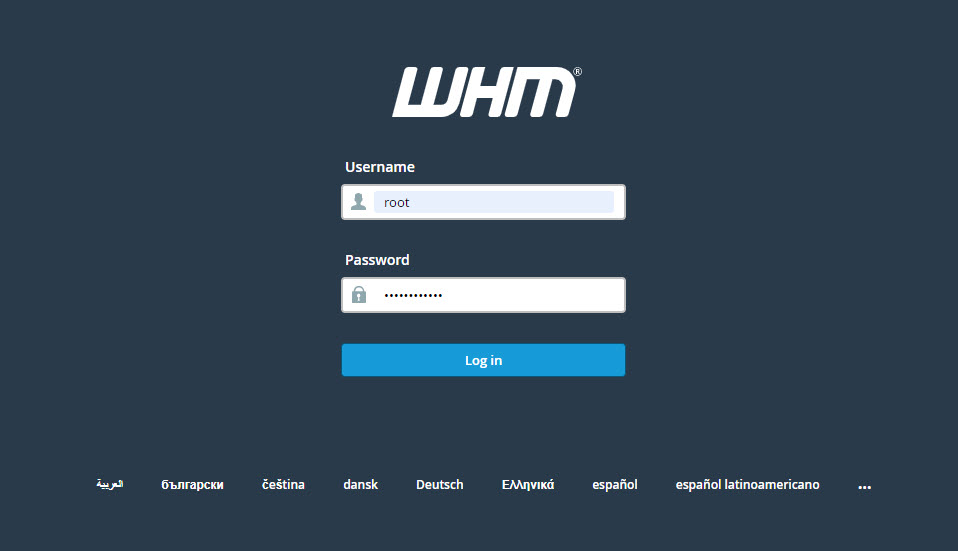
- Sign in to the WHM control panel at https://your-domain.com:2087 or https://IP-address: 2087 or https://server-hostname: 2087.
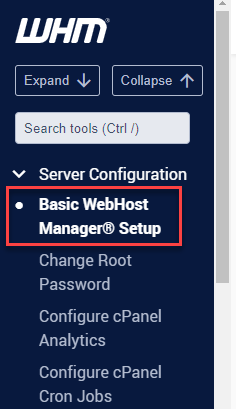
- Under the Server Configuration, click Basic WebHost Manager Setup.
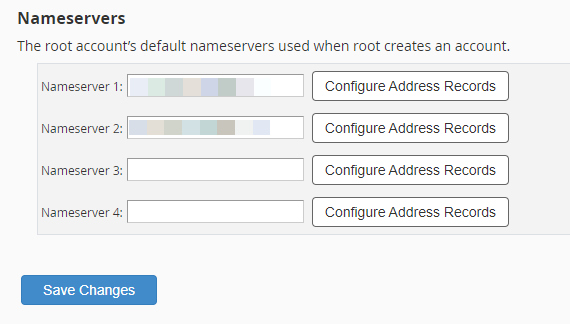
- Scroll down until you see the Nameservers. Here, click Configure Address Records to configure different IP addresses for each nameserver. Follow the instructions below for each IP address you want to set. If not, change the URLs in the boxes to match the ones you made for the nameservers.
Please rate this article to help us improve our Knowledge Base.
