
Log in to your Thamara Cloud cPanel.
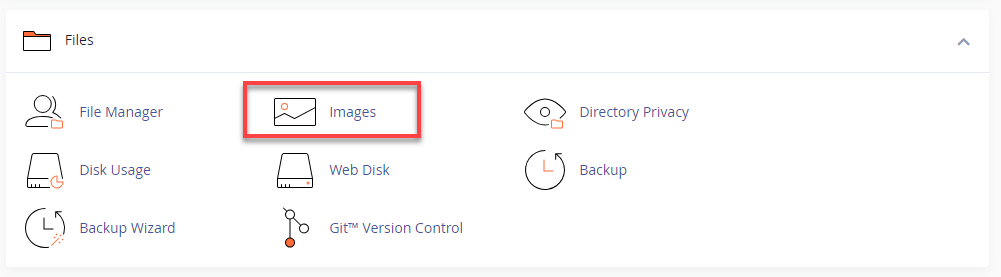
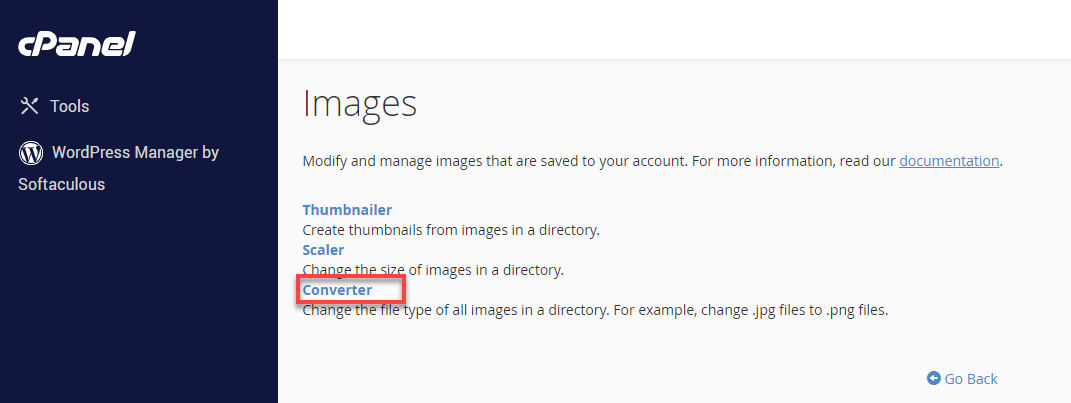
In the Files section, click Images.
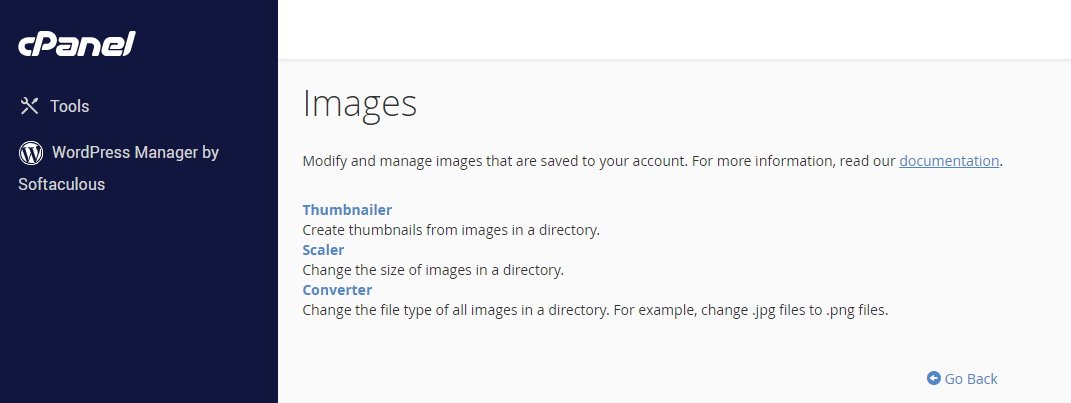
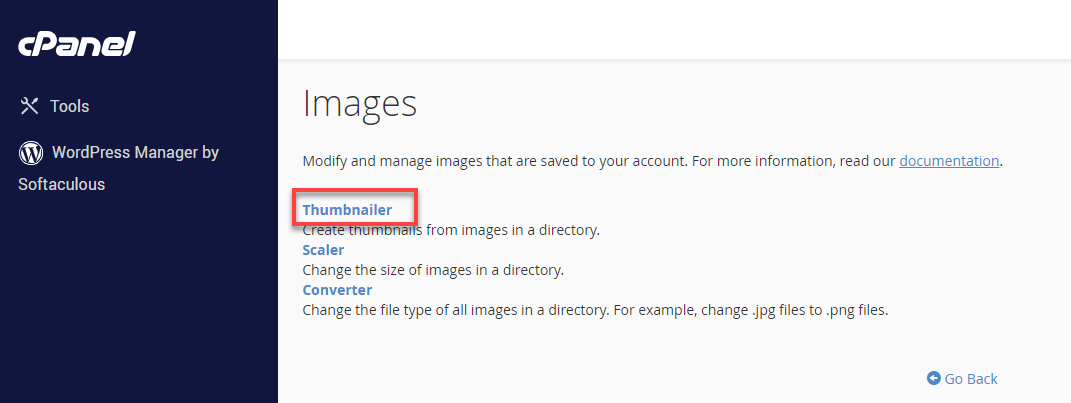
(You’ll see three tools: Thumbnailer, Scaler, and Converter.)
When using the cPanel Images tools available, you have three options:

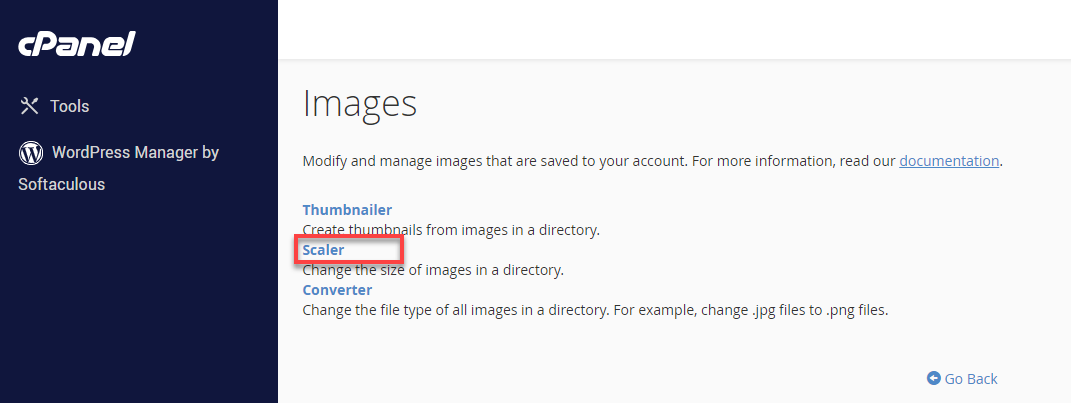
2-Select the directory or image where you want to scale by clicking the CONVERT button under the Actions column on the right side of the file or directory you want to convert.
3-Select the type of file you want to convert the image into.
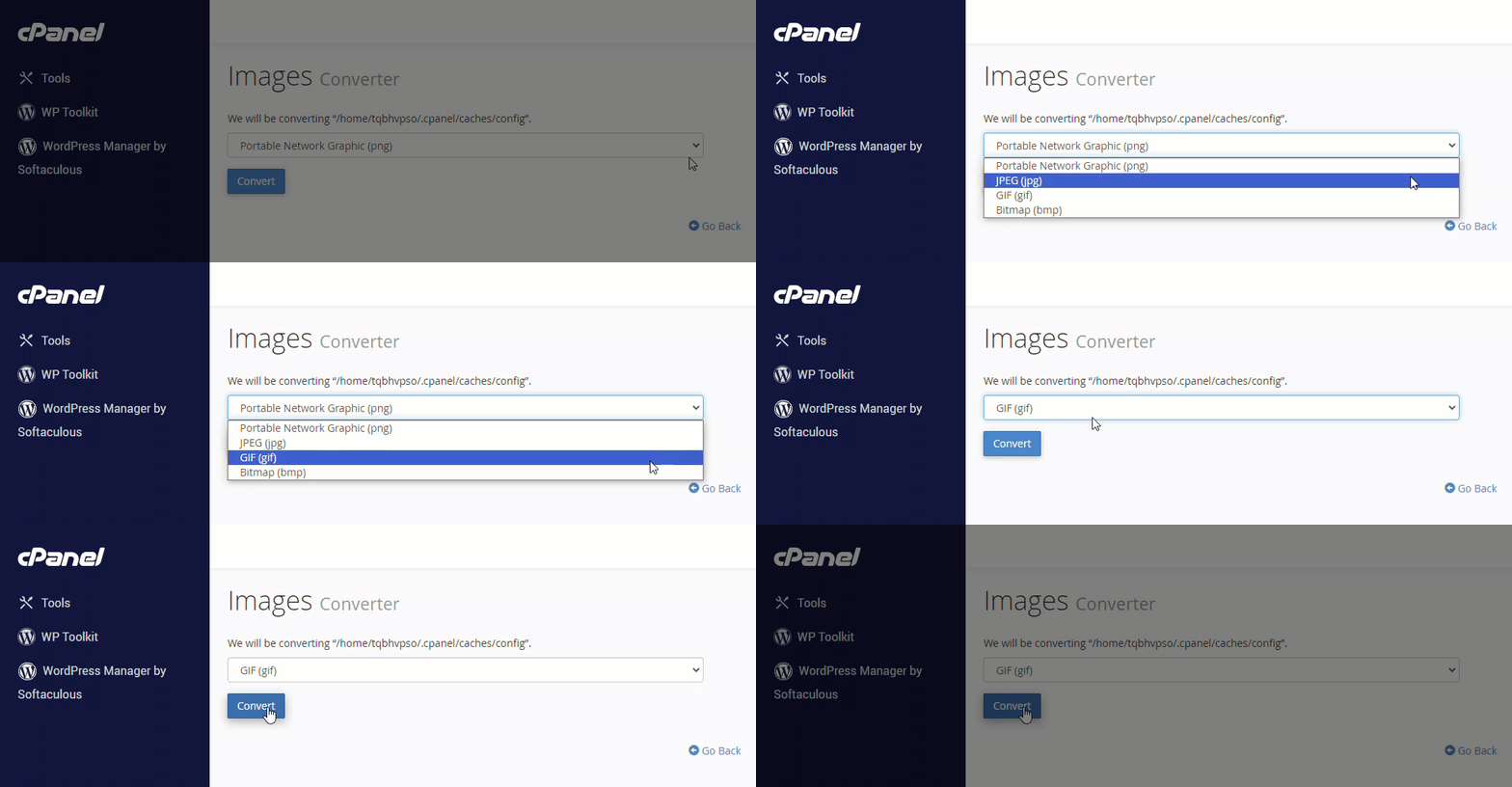
4-Lastly, click the Convert button. Once done, you will see the Your images have been converted prompt telling you that the conversion was successfully done.
